
PrestigePRO Manager Experience Resource Center
Resources to Help Managers Work with
Greater Visibility, Clarity, and Confidence
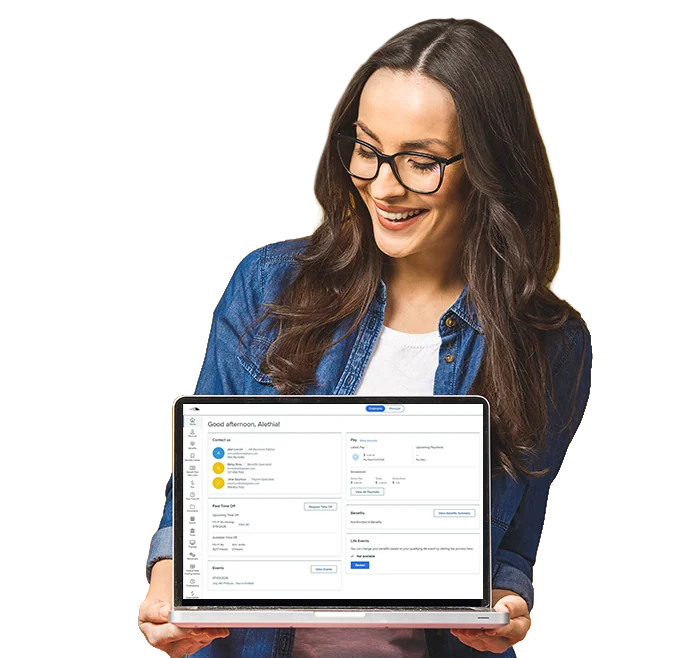
PrestigePEO is continuing to enhance the client technology experience by updating the PrestigePRO manager experience and introducing related mobile access through the PrismONE Mobile App.
This Resource Center brings together guides, overview materials, training videos, and PrismONE Mobile App resources designed to help managers understand what is changing, access helpful support materials, and make the most of the tools available to them. It also provides information to help employees become familiar with the PrismONE Mobile App for convenient access to everyday employee information and tools.
PrestigePRO Manager Experience Enhancements
The PrestigePRO manager experience enhancements are designed to support common workforce responsibilities and help clients bring everyday tasks into clearer focus.
Depending on role, permissions, and company configuration, managers may be able to review employee information, manage approvals, support PTO planning, complete HR actions, review time and payroll workflows, and access reporting or document tools. Managers may also use the PrismONE Mobile App as an additional mobile access point for available tools and information through the Full Portal experience when available.
The resources below provide guidance, overviews, and training support to help managers understand the updates and use the tools available to them with greater confidence.
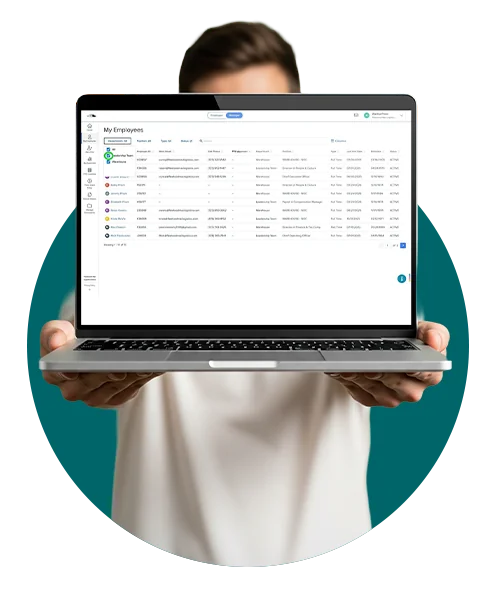
Review employee information, customize views, filter employee lists, and access employee details.
Review pending leave requests, view request details and balances, and approve or deny requests when permitted.
Use available tools for PTO visibility, time sheets, payroll approvals, reporting, and document management based on role and configuration.
Use the PrismONE Mobile App as an additional mobile access point for available tools, information, and applicable Messages based on role, permissions, and configuration.
Download the PrismONE app on the App Store or Google Play.


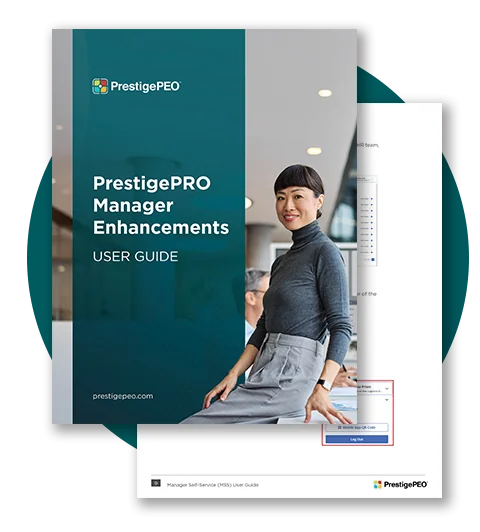
PrestigePRO Manager Enhancements User Guide
Detailed guidance for navigating PrestigePRO’s manager enhancements and tools
Use this resource to:
- Review detailed manager workflows
- Learn more about employee information, approvals, time-off tools, payroll review, reporting, and documents
- Understand role-based and permission-based functionality
- Find guidance for using available tools more confidently
Enhancements Overview
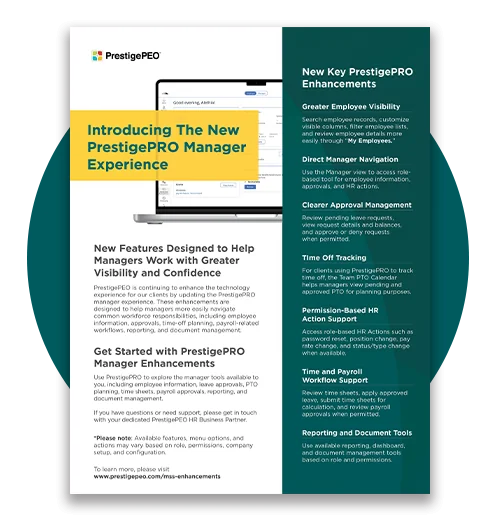
A quick summary of what’s new and why it matters
The Overview Flyer provides a high-level look at the PrestigePRO manager experience enhancements and how they support everyday workforce responsibilities. It is a quick, manager-friendly resource that highlights the key value props of the updates, including employee visibility, approval management, PTO planning, permission-based HR action support, time and payroll workflows, reporting, document tools, and mobile access through the PrismONE Mobile App.
Reference this resource for a:
- Quick overview of the PrestigePRO manager experience enhancements
- Clear summary of key value props
- Easy resource for managers who want a high-level understanding before reviewing the full guide
- Helpful companion to the User Guide and training videos
Step-By-Step Training Videos
Focused walkthroughs for key manager actions
The training videos provide visual walkthroughs of common PrestigePRO manager actions, helping clients become more familiar with specific workflows available to them based on role, permissions, and company configuration.
These short videos are designed to complement the User Guide by showing key processes in action and giving managers a practical way to build confidence using the tools available within the PrestigePRO manager experience.
Click the image thumbnails to watch the videos.






For the best viewing experience, we recommend watching the videos in full-screen mode.
Reference these videos to:
- See key manager actions demonstrated visually
- Better understand permission-based workflows
- Reinforce guidance covered in the User Guide
- Support managers who prefer walkthrough-style learning
- Build confidence in completing common PrestigePRO manager tasks
Use these videos as a helpful companion to the User Guide as you become more familiar with key
PrestigePRO manager workflows.
PrismONE Mobile App Resources
A helpful overview of mobile access for managers and employees
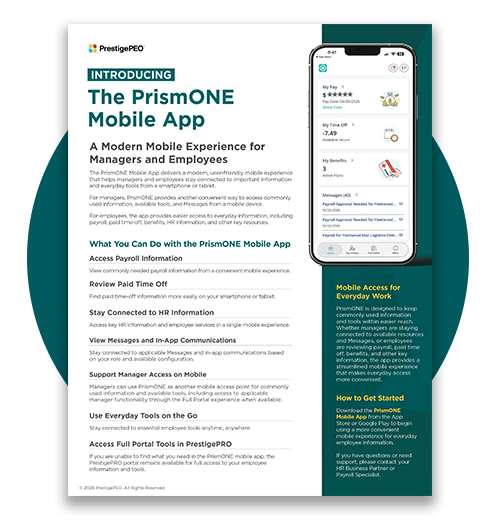
The PrismONE Mobile App provides a modern, user-friendly mobile experience that helps managers and employees stay connected to important information and everyday tools from a smartphone or tablet.
For managers, the PrismONE Mobile App can serve as an additional mobile access point for available tools, commonly used information, and applicable Messages based on role, permissions, and configuration. Manager functionality available through the enhanced PrestigePRO experience may also be accessible from a mobile device through the Full Portal experience when available.
For employees, the app provides easier access to commonly used information, including payroll, paid time-off, benefits, HR information, and other everyday tools.
*Please note: PrestigeGO will remain available until December 31, 2026, so you and your team will have time to get familiar with the PrismONE Mobile App while both apps are available.
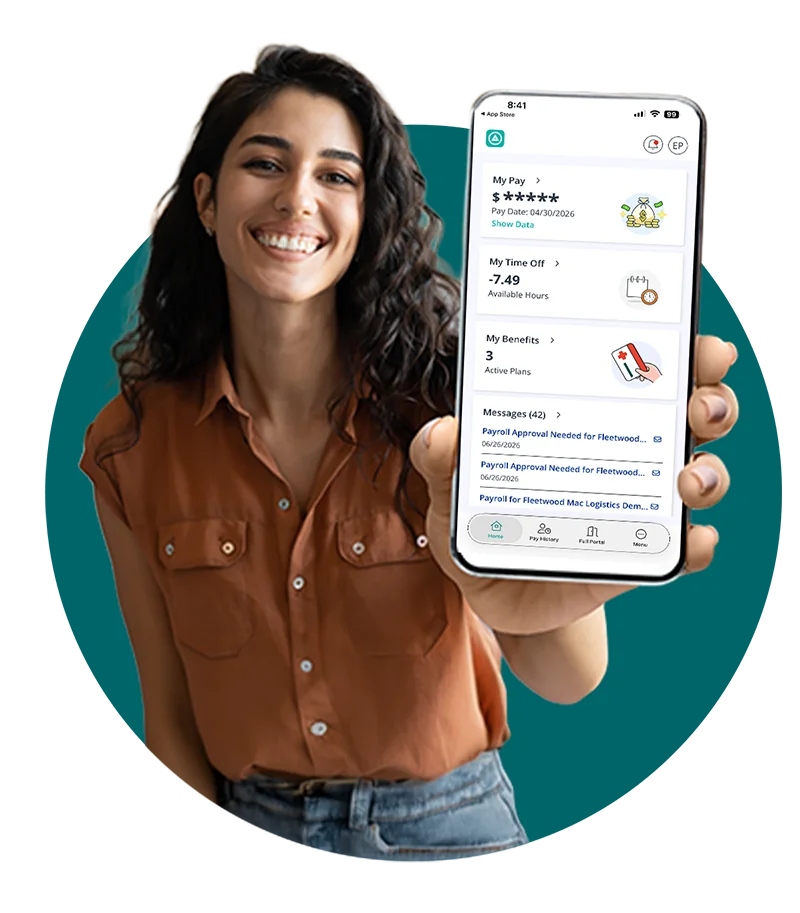
Download the PrismONE app on the App Store or Google Play.
Use this flyer to:
- Understand how the PrismONE Mobile App enables managers and employees to access the system on mobile devices.
- Review key mobile app value props for commonly used information and everyday tools.
- Help managers understand the app as an additional mobile access point for available tools and “Messages.”
- Support employee awareness and adoption of the PrismONE Mobile App.
- Reinforce that PrestigePRO remains available for full portal access when users need broader tools or information.
Important Notes for Clients and Additional Support
Important Notes
Available features, menu options, actions, mobile access, and messages may vary based on role, permissions, company setup, and configuration.
Need Support?
If you have questions about the PrestigePRO manager experience enhancements, available resources, the PrismONE Mobile App, or which tools apply to your organization, please contact your dedicated PrestigePEO HR Business Partner or Payroll Specialist.